


Shopify A/B testing works — but most stores running tests are generating noise, not signal. A test stopped at 70% statistical confidence is not an early result. It is a coin flip with a label on it. The three failure modes: insufficient traffic, tests ended early, and multiple variables changed at once.
Why Most Shopify A/B Tests Fail Before They Start
The most common testing failure has nothing to do with the test itself. It is a traffic problem. Running a test on insufficient traffic produces a result that cannot be trusted — but looks like one. The store implements the "winner," sees no improvement, and concludes that A/B testing does not work.
The traffic math
You need a minimum of 1,000 visitors per variant to draw any conclusions. For a store testing a headline change with a 2% baseline CVR and targeting a 20% improvement (to 2.4%), statistical power analysis yields 4,000 visitors per variant — 8,000 total.
A store with 3,000 monthly visitors sending 100 per day to a product page would need 80 days to complete that test. By day 80, seasonality, promotions, and algorithm changes will have contaminated the results. The test is useless.
The threshold for meaningful testing: 10,000 or more monthly sessions and 100 or more conversions per month. Below that, apply known best practices from Shopify conversion rate benchmarks and session recording analysis (Hotjar, Microsoft Clarity) instead of running inconclusive tests.
The Three Testing Mistakes That Invalidate Your Results
Mistake 1: Ending tests early (the peeker problem)
Statistical models for A/B testing are designed for pre-specified end points. When you check results daily and stop the test the moment one variant looks like a winner, you inflate the false positive rate dramatically. At 70% confidence, approximately 1 in 3 "winning" variants are actually noise. Calculate your required sample size before the test begins. Run until you reach it. Do not look at results until you do.
Warning: The Peeker Problem
A test stopped at 70% confidence is not a test with an early result. It is a coin flip. Stopping early is the single most common reason Shopify stores conclude that A/B testing "doesn't work" — they ran tests that could never produce valid results.
Mistake 2: Testing multiple variables
Testing a new hero image, headline, and CTA button color simultaneously produces a result you cannot attribute. One variant won — but which element drove it? You cannot know, which means you cannot learn from the test and apply the insight elsewhere. One variable per test.
Mistake 3: Ignoring day-of-week effects
Shopify store traffic and purchase behavior differs significantly between weekdays and weekends — in some DTC categories by 40% or more. A test that runs for 5 days captures only partial weekend data, which distorts the result. Minimum test duration is 7 days regardless of traffic volume.
How Shopify Rollouts Works (and What It Cannot Do)
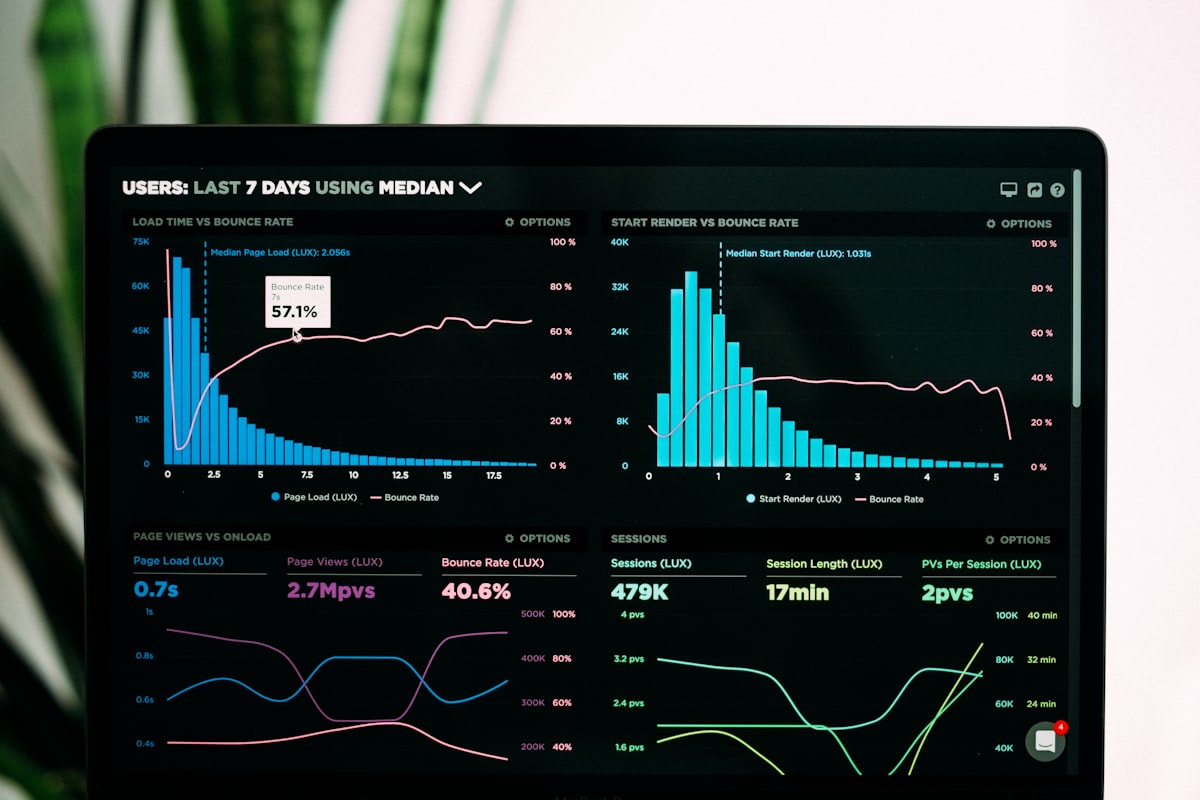
Shopify Rollouts, launched in January 2026 as part of the Winter '26 Edition, is the most significant testing capability Shopify has shipped for store operators. It solves two real problems with third-party tools: no JavaScript flicker (server-side split) and no page speed cost.
To access: Shopify admin > Markets > Rollouts. Create theme variants, assign a traffic percentage, and view performance data natively. No developer involvement required for most theme-level changes.
The caveat most coverage misses: full analytics in Rollouts requires the Advanced plan at $299 per month. Basic and Standard plan stores get limited reporting. For those stores, third-party tools remain the practical option.
What Rollouts can test: theme variants, layout sections, content, and imagery. What it cannot test: pricing, checkout elements, or app-dependent components such as subscription widgets, review apps, and upsell overlays.
A/B Testing Tools for Shopify
The right tool depends on what you are testing, your plan level, and your revenue. Here is the practical comparison:
| Tool | Best for | Plan required | Page speed cost |
|---|---|---|---|
| Shopify Rollouts | Theme variants, layout, sections | Advanced ($299/mo) | None (server-side) |
| Shoplift Recommended | Product pages, landing pages | Any plan | ~100–200ms |
| Intelligems | Pricing and offer testing | Any plan | ~100–200ms |
| VWO / Optimizely | Enterprise multivariate testing | $1M+ revenue | ~200–400ms |
One technical note: all third-party tools except Rollouts inject split logic via client-side JavaScript, adding a small load cost. Weigh this against the value of the insight. Testing a change worth $5,000 per month in potential lift with 100ms of additional load cost is a clear trade-off. Testing minor copy changes on a low-traffic store is not.
What to Test First: The Prioritization Order
Testing the wrong elements first wastes budget and attention. The rule: test high-traffic, high-impact elements before low-traffic, low-impact ones. Never start with the footer. For context on which elements have the most friction, see our product page CRO guide.
Tier 1: Test first (highest impact potential)
- CTA button text and color: 2 to 5% lift potential. Test "Add to Cart" vs. "Get Yours" vs. "Buy Now." High traffic, fast result.
- Hero image and product photography: 5 to 15% lift for fashion, beauty, and supplements. Test lifestyle imagery against product-only photography.
- Headline and value proposition above the fold: 2 to 8% lift. Test benefit-led headlines against product-led ones.
Tier 2: Test after Tier 1 wins are confirmed
- Social proof placement (star rating position, review quote location relative to the ATC button)
- Pricing presentation (monthly vs. annual framing for subscriptions, bundle pricing display)
- Delivery and returns copy adjacent to the add-to-cart button vs. in the description
Tier 3: Lower priority — after Tier 1 and 2 are locked
- Layout changes (single-column vs. two-column product detail page)
- Navigation and site structure changes
- Footer content
How Long to Run a Test
The minimum is 7 days regardless of traffic volume. The target is reaching 95% statistical significance at your pre-calculated sample size. Never stop early — even if one variant is showing a strong lead on day 3.
To calculate required sample size before starting: use any free calculator (Optimizely or Evan Miller are widely used). You need three inputs: baseline CVR, minimum detectable effect (the smallest improvement you need to see to justify shipping the change), and daily variant traffic. If the answer is more than 60 days, the test is not practical — make the best-practice change and move to the next test.
For pricing tests and checkout flow changes: use 99% confidence, not 95%. A false positive at 95% confidence on a pricing change that reduces AOV by $8 per order is expensive.
Reading Results Without Fooling Yourself
95% statistical significance is the industry standard for most product page and marketing changes. A result below 95% is not a result — it is a trend.
Statistical significance is not the same as practical significance. A 0.1% lift at 95% confidence on a store doing $60K per month is worth $600 per month — which may not justify the engineering cost of maintaining a new variant. Always run the revenue calculation before shipping.
Always examine secondary metrics alongside CVR: average order value, bounce rate, and scroll depth. A variant that lifts CVR by 3% but reduces AOV by $10 is not a win if the AOV loss exceeds the CVR gain in revenue terms. Look at revenue per visitor, not just conversion rate.
Key Insight
Replication is the only real signal. A result that holds across two independent test runs with two separate traffic cohorts is almost certainly real. Ship after the first test only if the result is very strong (99%+) and the change is low-risk.
A structured 90-day experimentation roadmap for a store doing $100K per month can identify 3 to 5 winning changes, each worth 5 to 15% CVR lift. Our Shopify CRO program structures this roadmap and manages the testing calendar so every test builds on the last.
Frequently asked questions
How do I A/B test on Shopify?
For Advanced plan stores: use Shopify Rollouts (admin > Markets > Rollouts) for theme-level tests — no apps, no page speed cost. For Standard and Basic plan stores: use Shoplift for product page and landing page tests, Intelligems for pricing tests. Three steps for any test: define a single hypothesis, calculate the required sample size, run for a minimum of 7 days without checking results early.
How much traffic do you need for Shopify A/B testing?
A minimum of 1,000 visitors per variant. For a 2% baseline CVR testing a 20% improvement, statistical power analysis yields 4,000 visitors per variant. Stores below 10,000 monthly sessions or 100 monthly conversions should apply evidence-based best practices rather than run tests — the traffic volume is too low for statistically reliable results.
What is the best A/B testing tool for Shopify?
Shoplift for most stores: Shopify-native, no developer setup, handles product pages and landing pages. Intelligems for pricing and offer tests — it is the only tool that handles Shopify pricing splits cleanly. Shopify Rollouts for theme-level tests on the Advanced plan ($299 per month) — server-side split with no page speed cost. VWO and Optimizely for stores on $1M-plus annual revenue that need multivariate testing and advanced targeting.
How long should a Shopify A/B test run?
A minimum of 7 days to capture a full weekly cycle — weekday and weekend behavior differs significantly in most DTC categories. The target is reaching 95% statistical significance at your pre-calculated sample size, whichever takes longer. Never stop early even if one variant appears to be winning on day 3. Early stopping is the most common cause of false positives in Shopify A/B testing.