How We Audit a Shopify Store: Our Exact CRO Process
This is the exact process we use when auditing a Shopify store for conversion rate optimisation. Every step, every tool, every question we are trying to answer.
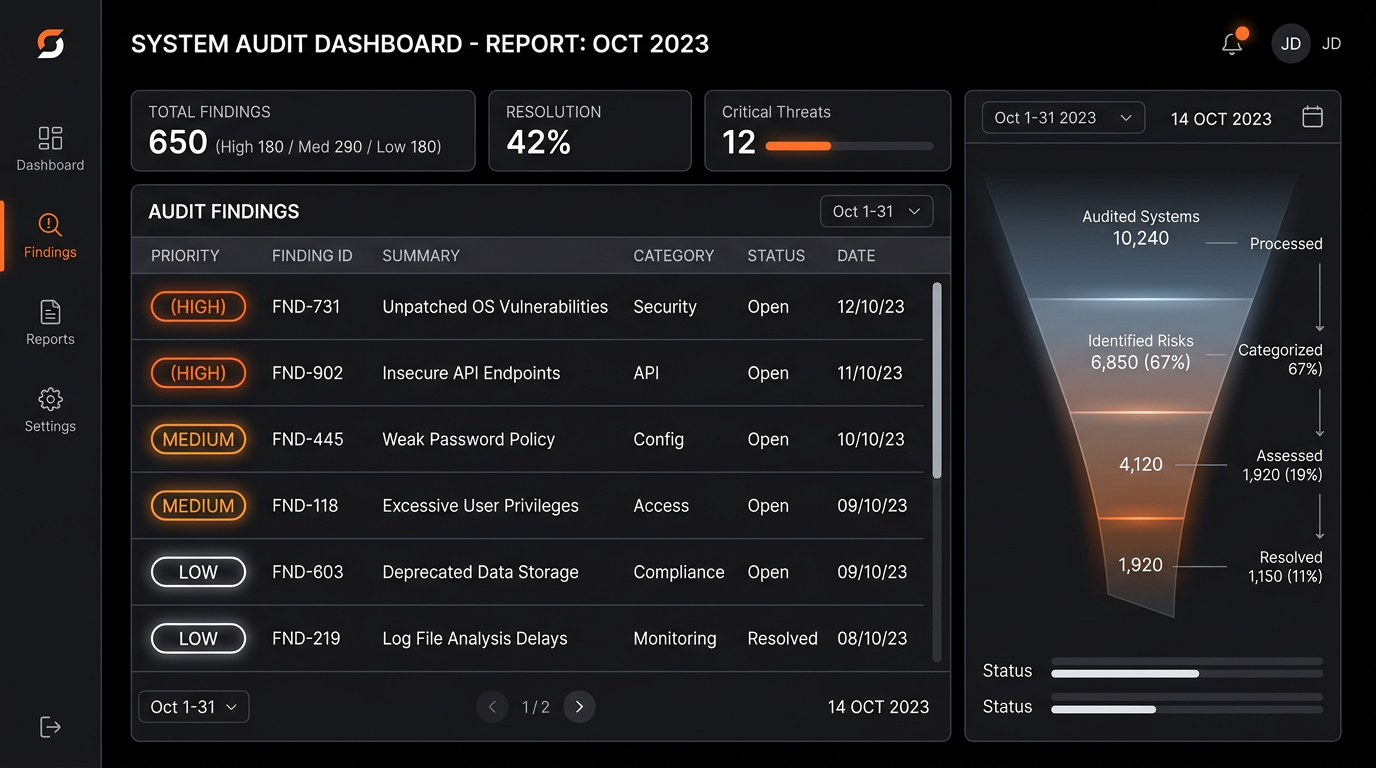
A Shopify CRO audit has one purpose: identify where and why visitors leave without buying, ranked by revenue impact. It takes 5-7 days to do properly. This is our exact process — every step, every tool, and every question we are trying to answer. You can run most of this yourself; the value of having it done professionally is pattern recognition and implementation speed.
Phase 1: Analytics Foundation (Day 1)
Before looking at the store, we look at the data. The questions we are answering: where does traffic come from? Which pages do visitors enter and exit on? Where does the funnel leak?
GA4 Funnel Exploration
Build a funnel: session start → product page view → add to cart → checkout start → purchase. Segment by device (mobile vs desktop). Most stores see mobile conversion rate 40-60% lower than desktop — this tells us where to focus.
Traffic Source Analysis
Paid social, organic, email, and direct traffic convert at very different rates and for different reasons. An email visitor buying for the second time needs a completely different experience than a cold paid social visitor. Segmented CVR by source tells us whether the problem is landing page targeting, product page quality, or checkout friction.
Exit Page Analysis
Which pages do visitors leave from? A high exit rate on the product page means the product page is not doing its job. A high exit on the cart page means price or trust is the issue. Each answer points to a different intervention.
Phase 2: Performance Audit (Day 1-2)
Speed is often the highest-ROI fix available — and it is measurable before any other work begins. We run PageSpeed Insights on the home page, top three product pages, and checkout. Mobile score below 45 is a priority fix before any CRO work begins — you cannot optimise a conversion funnel that is too slow to load.
We also check Core Web Vitals in Google Search Console: LCP (Largest Contentful Paint) should be under 2.5 seconds on mobile. CLS (Cumulative Layout Shift) should be under 0.1. INP (Interaction to Next Paint) under 200ms. Failures in any of these directly suppress conversion rate and search rankings simultaneously.
Phase 3: Session Recording Analysis (Day 2-3)
We watch 50-100 session recordings in Microsoft Clarity, filtered to sessions that reached the product page but did not purchase. We are looking for:
- →Rage clicks — where do frustrated users click repeatedly?
- →Scroll depth — how far down the product page do users actually read?
- →Hesitation points — where do users pause before exiting?
- →Dead elements — buttons or links users click that do not respond correctly
- →Mobile-specific issues — elements that are technically present but functionally unusable on a small screen
Phase 4: Heuristic UX Review (Day 3-4)
A structured evaluation of the store against conversion best practices. We review every page in the purchase funnel against a 47-point checklist covering:
Product page
Gallery quality, mobile CTA visibility, trust signal placement, review presentation, size/variant UX, cross-sell relevance, social proof quantity and specificity
Cart page
Shipping threshold display, upsell placement, trust signals, edit functionality, checkout CTA prominence
Checkout
Guest checkout prominence, payment option order, trust signal placement, form field count, mobile keyboard behaviour, progress indicator clarity
Phase 5: Qualitative Research (Day 4-5)
Data tells us what is happening. Customers tell us why. We review support tickets and chat transcripts from the past 90 days looking for recurring friction themes — questions about sizing, shipping, returns, ingredients, or product suitability that indicate information gaps on the store.
For brands with sufficient email volume, a post-abandonment survey ("What stopped you from completing your purchase?") with four answer options provides quantitative prioritisation of the qualitative causes.
Phase 6: Prioritised Recommendations (Day 5-7)
All findings are scored using the PIE framework: Potential impact, Importance (traffic volume of affected pages), and Ease of implementation. Each recommendation gets a PIE score, a revenue impact estimate, and an implementation complexity rating.
The output: a prioritised action list where the top five items represent the highest revenue-per-week-of-implementation ratio. These become the first 90-day test roadmap.
This is exactly what is delivered in a GrowWithCRO audit. The free version covers Phase 1-3 for your highest-traffic product pages and gives you the three highest-impact quick wins. The full audit covers all six phases and forms the foundation of an ongoing CRO programme.
Frequently Asked Questions
What is a Shopify CRO audit?
A Shopify CRO audit is a systematic analysis of where and why visitors leave your store without purchasing. It covers analytics (where does the funnel leak?), performance (how fast does the store load?), session recordings (what do users actually do?), and UX review (what best practices are missing?). The output is a prioritised action list ranked by revenue impact.
How long does a Shopify CRO audit take?
A thorough CRO audit takes 5–7 working days. Quick audits covering analytics and heuristic review only take 2–3 days but miss the session recording and qualitative research phases — which often surface the most valuable insights. The difference between a quick audit and a full one is the difference between knowing what to fix and knowing why it needs fixing.
Can I do a CRO audit myself?
Yes — the tools are free. GA4 for analytics, Microsoft Clarity for session recordings, PageSpeed Insights for performance. The challenge is knowing what to look for and how to prioritise findings by revenue impact. An experienced agency brings pattern recognition from auditing many similar stores, which compresses the time from observation to prioritised action.
What does a CRO audit cost for a Shopify store?
A professional Shopify CRO audit costs £1,500–£4,000 depending on store size and scope. Audits that include qualitative research (customer interviews, support ticket analysis) sit at the higher end. Some agencies offer free preliminary audits covering performance and analytics — we offer this for qualified stores as the first step of our engagement process.
Get a Free CRO Audit
We will run Phases 1-3 on your store — analytics, performance, and session recording review — and send you the three highest-impact fixes with no cost or obligation.
Get Free Audit