Shopify Checkout Optimisation: 8 Changes That Actually Move the Needle
Checkout is where you lose the most revenue on Shopify. These 8 changes address the specific friction points that kill completion rates for UK DTC brands.
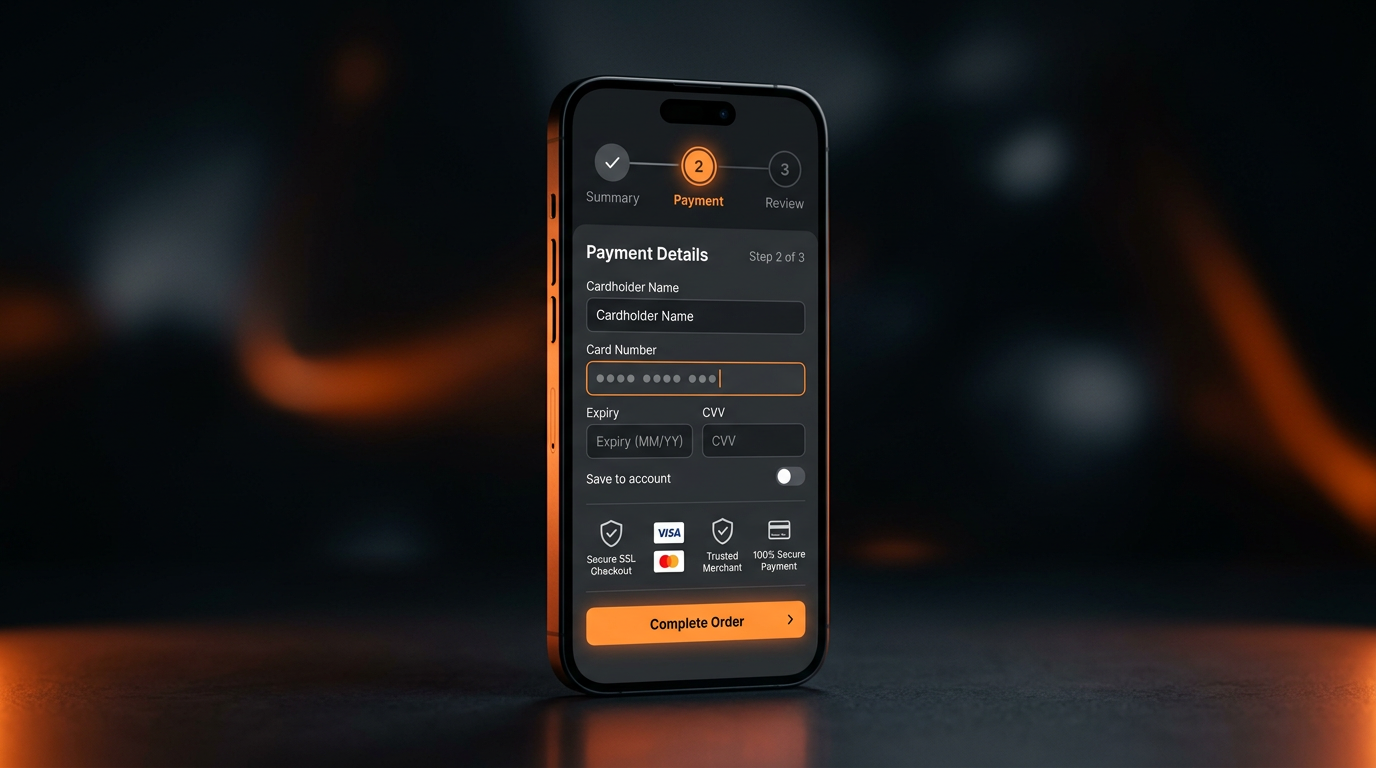
Checkout optimisation is the highest-ROI CRO activity available to Shopify brands. Every improvement here applies to customers who already want to buy — the hardest and most expensive people to acquire. The average Shopify checkout completion rate is 28%. Strong brands sit at 35-45%. These eight changes reliably close the gap.
Change 1: Remove the Phone Number Field
Shopify's default checkout includes an optional phone number field. In practice, the visual presence of the field — even when marked "optional" — creates anxiety. Shoppers who value privacy abandon when they see it.
Unless you use SMS marketing and have explicit consent flows, remove it. In Shopify admin: Settings > Checkout > Customer information. Toggle phone number to "Hidden". A/B testing this single change consistently shows a 2-4% lift in checkout completion.
Change 2: Enable Shop Pay Prominently
Shop Pay consistently has the highest checkout completion rate of any payment option on Shopify — 1.72x higher than standard checkout, according to Shopify's own research. Returning customers autofill in one tap.
Make Shop Pay the first option displayed. Do not bury it below the form fields. The visual order of payment options significantly affects which method customers use — and Shop Pay's speed directly translates to higher completion rates.
Change 3: Add a Trust Signal Bar Above the Form
Most Shopify checkout pages have a logo and a form. Nothing else signals security or establishes brand trust at the moment the customer is about to enter payment details — which is precisely when anxiety peaks.
Add a one-line trust bar directly above the payment form: "Secure checkout — encrypted by Shopify. Free returns within 30 days." This addresses the two primary trust concerns (payment security, returns) at the highest-anxiety moment. On Shopify Plus, this is achievable via checkout.liquid. On standard plans, the cart page trust signals become more critical.
Change 4: Show Estimated Delivery Date (Not Just Speed)
"3-5 business days" is abstract. "Arrives by Thursday 3 April" is concrete. Shoppers planning a gift or a specific occasion need a date, not a range. When delivery date is uncertain, abandonment increases because the purchase decision cannot be completed confidently.
Dynamic delivery date calculation in Shopify requires either a third-party app (Estimated Delivery Date by Secomapp or similar) or a custom Liquid snippet using JavaScript to calculate based on the current date and your standard processing time. The investment is small; the reduction in abandonment from uncertain delivery intent is consistent.
Change 5: Reduce the Number of Steps on Mobile
Shopify's default three-step checkout (information, shipping, payment) involves 15-20 form interactions on mobile. Each tap and keyboard open/close moment is a friction point. On iOS, the keyboard covering the form fields often causes the shopper to lose context.
On Shopify Plus, checkout steps can be collapsed and address autofill can be prioritised to minimise manual entry. For standard plans, ensuring your checkout is fully compatible with Apple Pay and Google Pay — which bypass the information and shipping steps entirely — is the most impactful mobile checkout improvement available.
Change 6: Fix the Order Summary Panel
The order summary on Shopify checkout defaults to collapsed on mobile — the customer cannot see what they are buying without an extra tap. This creates cognitive uncertainty at the final commitment moment.
The fix: expand the order summary by default. Show product images, quantities, and the delivery promise. The visual confirmation that "this is what I am getting" reduces hesitation. This is a checkout.liquid change on Plus or a CSS/JS override on standard plans.
Change 7: Clarify the Returns Policy at Checkout
A customer who is uncertain about what happens if the product does not work out will not complete the purchase. The returns policy is one of the most-visited pages before checkout — but almost no Shopify stores surface it inside checkout itself.
A single line below the "Complete order" button: "Free returns within 30 days. No questions asked." This costs nothing to implement and consistently reduces abandonment from uncertainty-driven hesitation — particularly for first-time customers buying above £50.
Change 8: Test Removing the Discount Code Field
This one is counterintuitive. A prominently displayed discount code field in checkout causes a significant proportion of shoppers to pause, open a new tab to search for a discount code, and not return. The Baymard Institute estimates that 8% of checkout abandoners leave specifically to hunt for a coupon.
If you do not run active discount campaigns, consider removing the field entirely. If you do run promos, consider moving the discount field to the cart page rather than checkout — so the "discount code hunt" happens before customers enter the checkout flow.
The Compound Effect of Checkout Optimisation
Each of these changes moves the needle by 2-5% individually. Combined, stores that implement all eight typically see a 15-25% lift in checkout completion rate. For a store processing 500 orders/month, a 20% checkout lift means 100 additional orders from the same traffic — with no additional ad spend.
Checkout optimisation is one pillar of a complete Shopify CRO programme. It works best alongside product page and funnel-top optimisation — the two places where customers lose confidence before they even reach checkout.
Frequently Asked Questions
What is the average Shopify checkout completion rate?
The average Shopify checkout completion rate is around 28%. Well-optimised stores achieve 35–45%. The gap is almost entirely explained by friction — unexpected costs, trust gaps, confusing UI, and slow mobile experience. There is no ceiling effect: even strong converters find improvement through checkout CRO.
Can I customise Shopify checkout without Shopify Plus?
Limited customisation is available on standard Shopify plans — you can change the logo, colours, and font through the theme editor. Full checkout customisation (adding sections, removing fields, custom trust signals) requires Shopify Plus. The exceptions are CSS/JS overrides and app-based checkout extensions, which work on all plans.
Which payment method has the highest Shopify checkout completion rate?
Shop Pay has the highest completion rate — 1.72x higher than standard checkout, according to Shopify research. Apple Pay and Google Pay are close behind, both because they bypass form filling and because they use biometric authentication which reduces payment anxiety. Ensure all three are prominently enabled.
Should I remove the discount code field from Shopify checkout?
Test it. If you do not actively run discount campaigns, removing it or moving it to the cart page eliminates the "coupon hunt" abandonment pattern — estimated at 8% of checkouts. If you do run promos, move the field earlier in the funnel so it does not interrupt the payment step.
Get a Full Checkout Audit
We analyse your checkout flow from add-to-cart to order confirmation and identify the specific changes that will lift completion rate for your store. No generic advice. Specific changes, specific impact.
Book Strategy Call